- Frequently Asked Questions
- How to Log In and Edit Data Assets
- How to Publish Data Assets
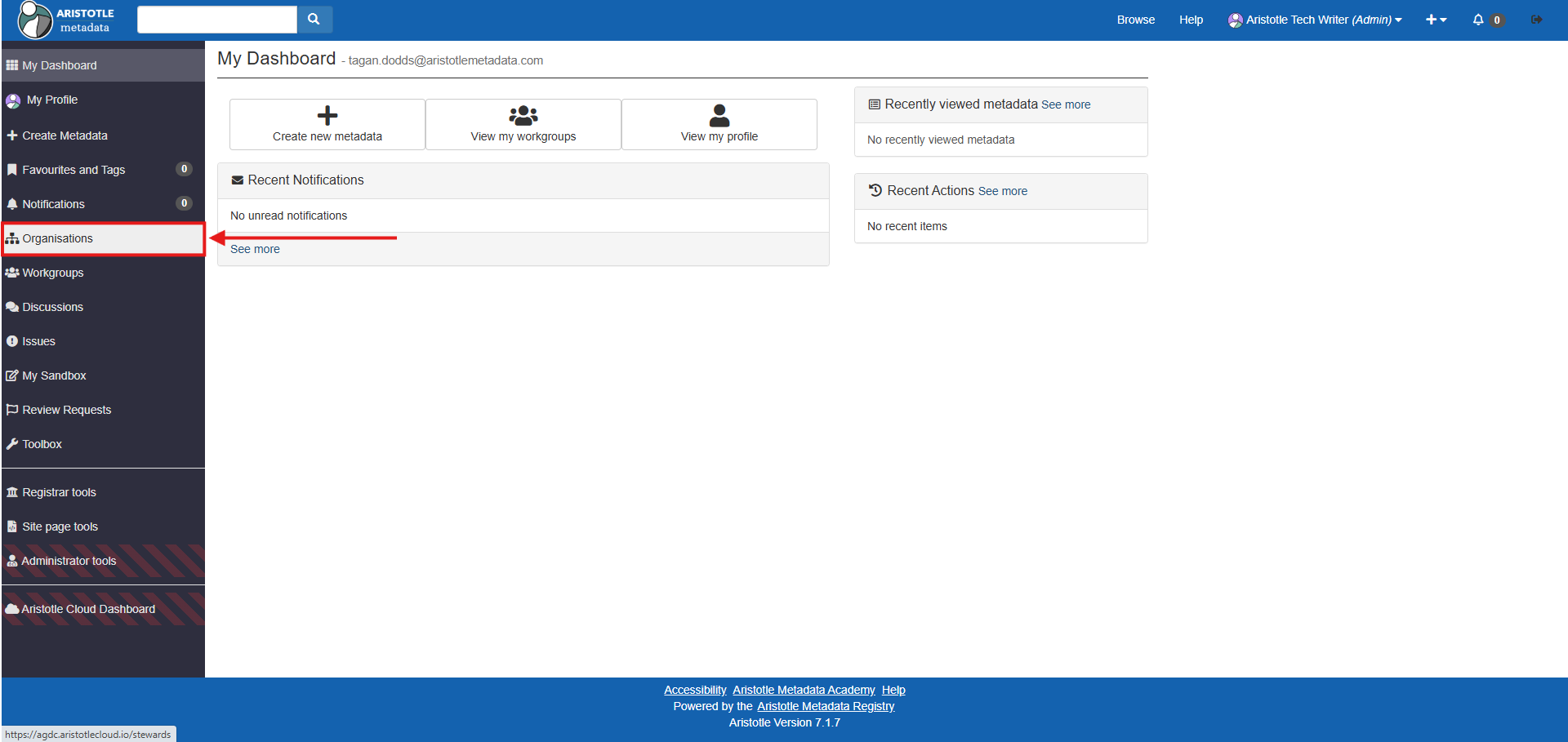
1. Ensure you are logged in, then select 'Organisations' from your dashboard.
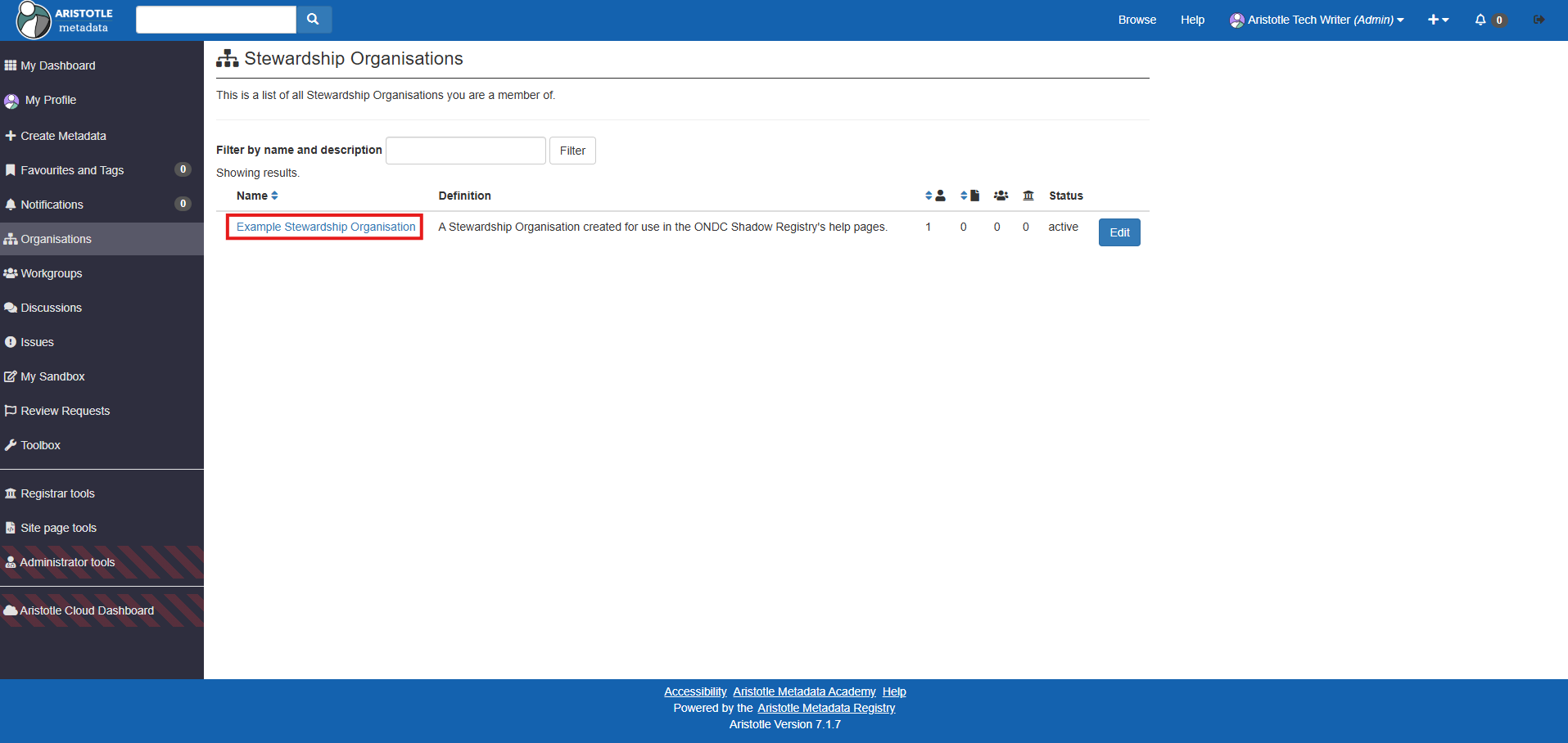
2. Select your department's Stewardship Organisation.
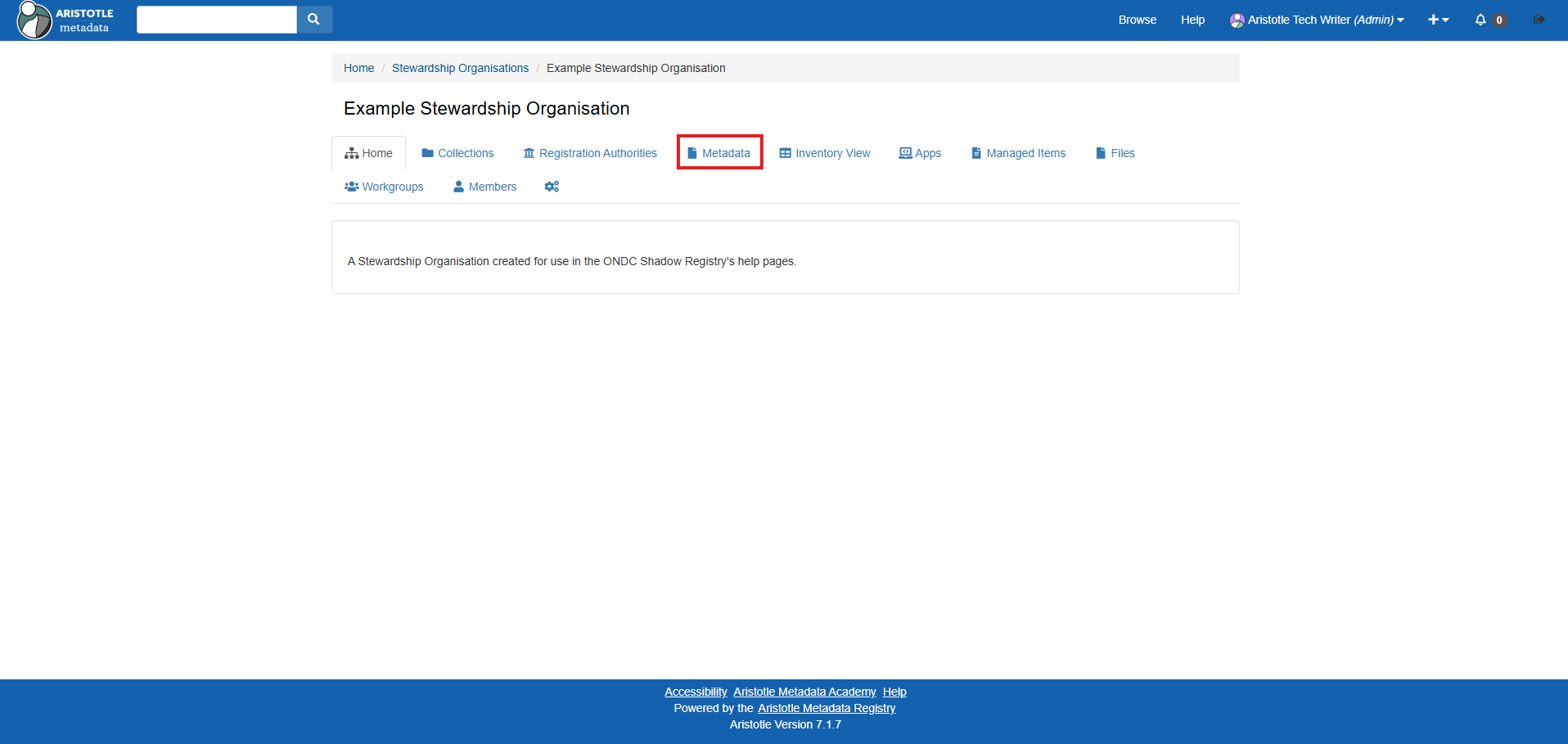
3. Select the 'Metadata tab'.
4. Navigate to and select the 'Data Sets' metadata item type.
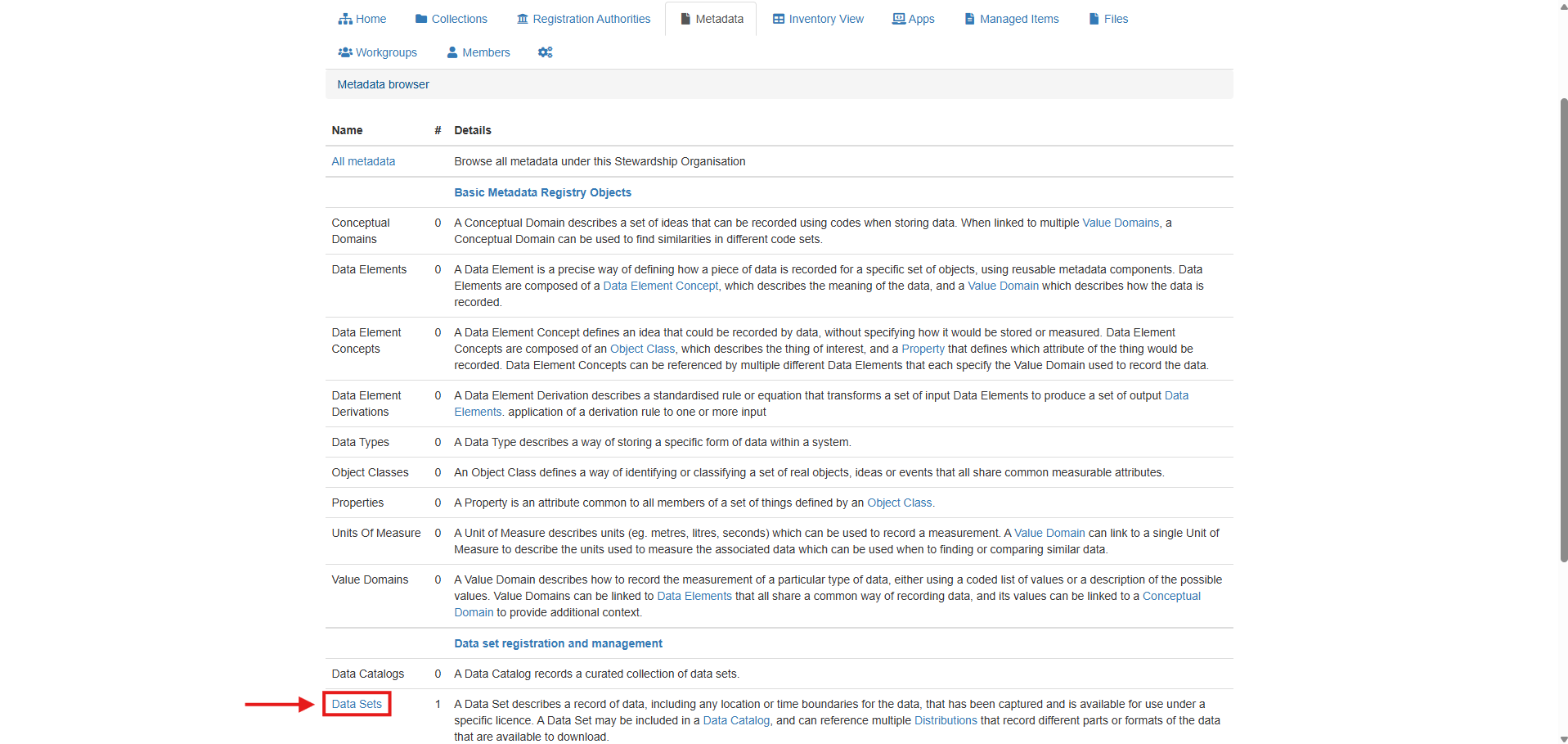
5. Select the name of your desired data set.
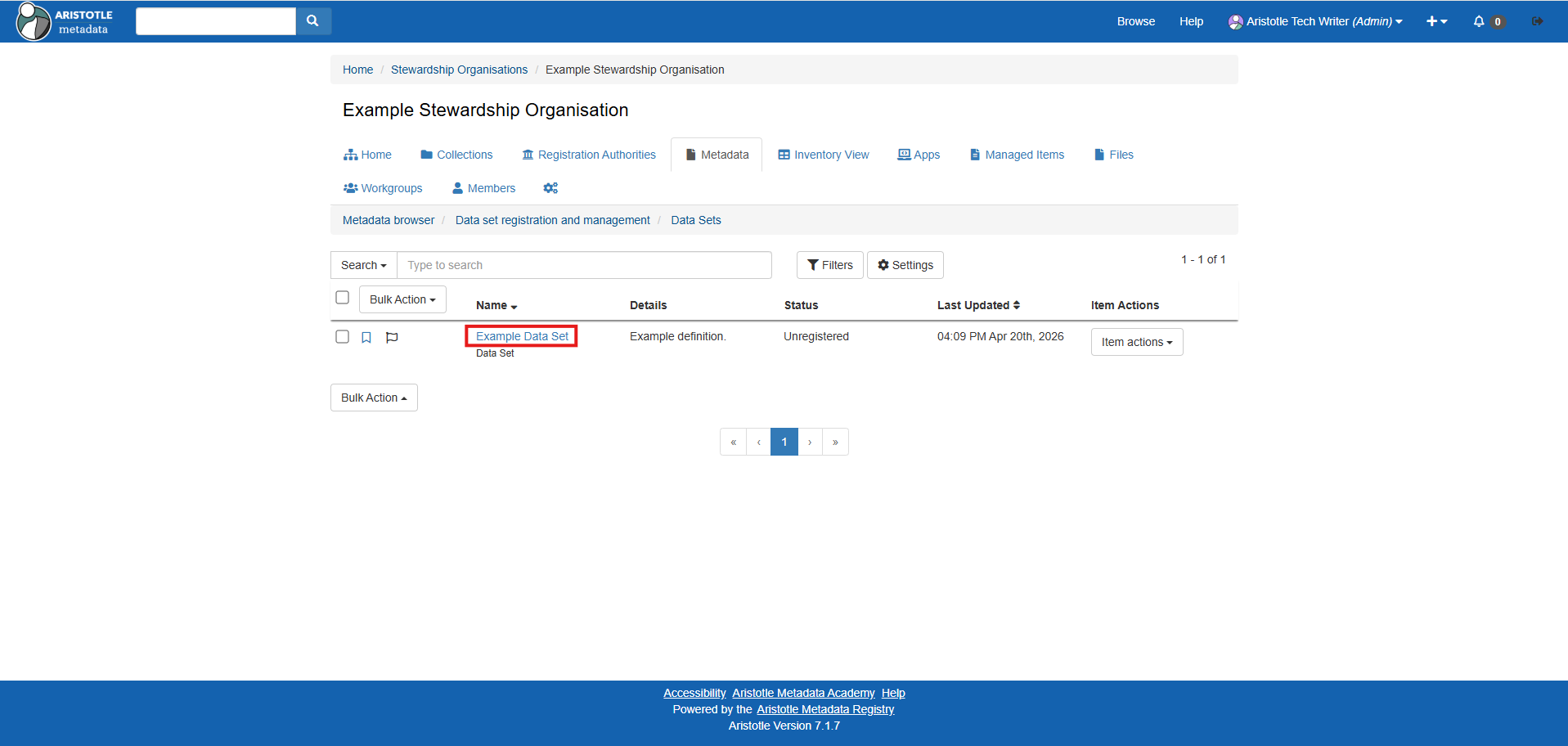
6. Select the data set's 'Actions' dropdown, then 'Submit for review'.
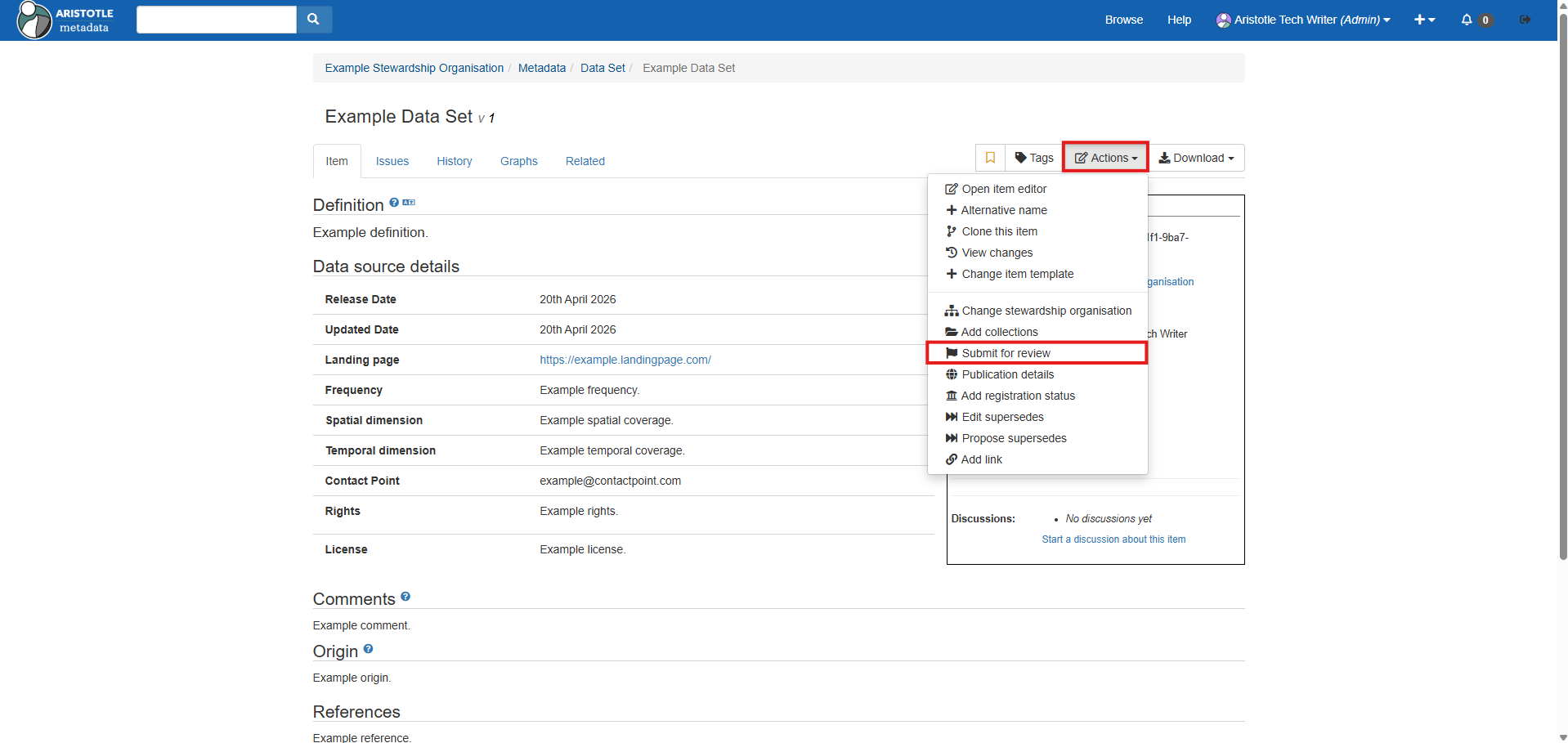
7. Give your review a title, then select your department's workgroup and Registration Authority via the 'Title', 'Workgroup' and 'Registration authority' fields.
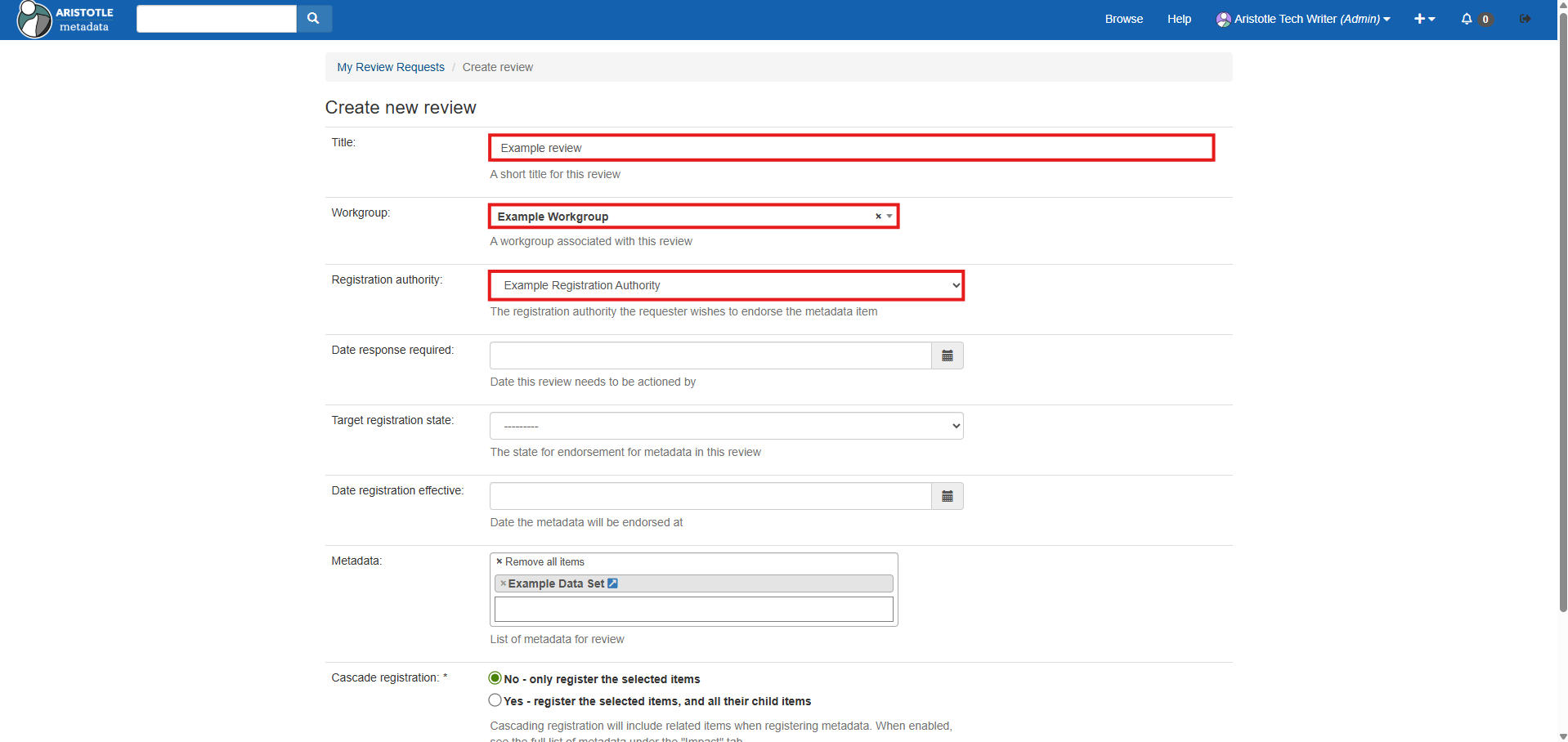
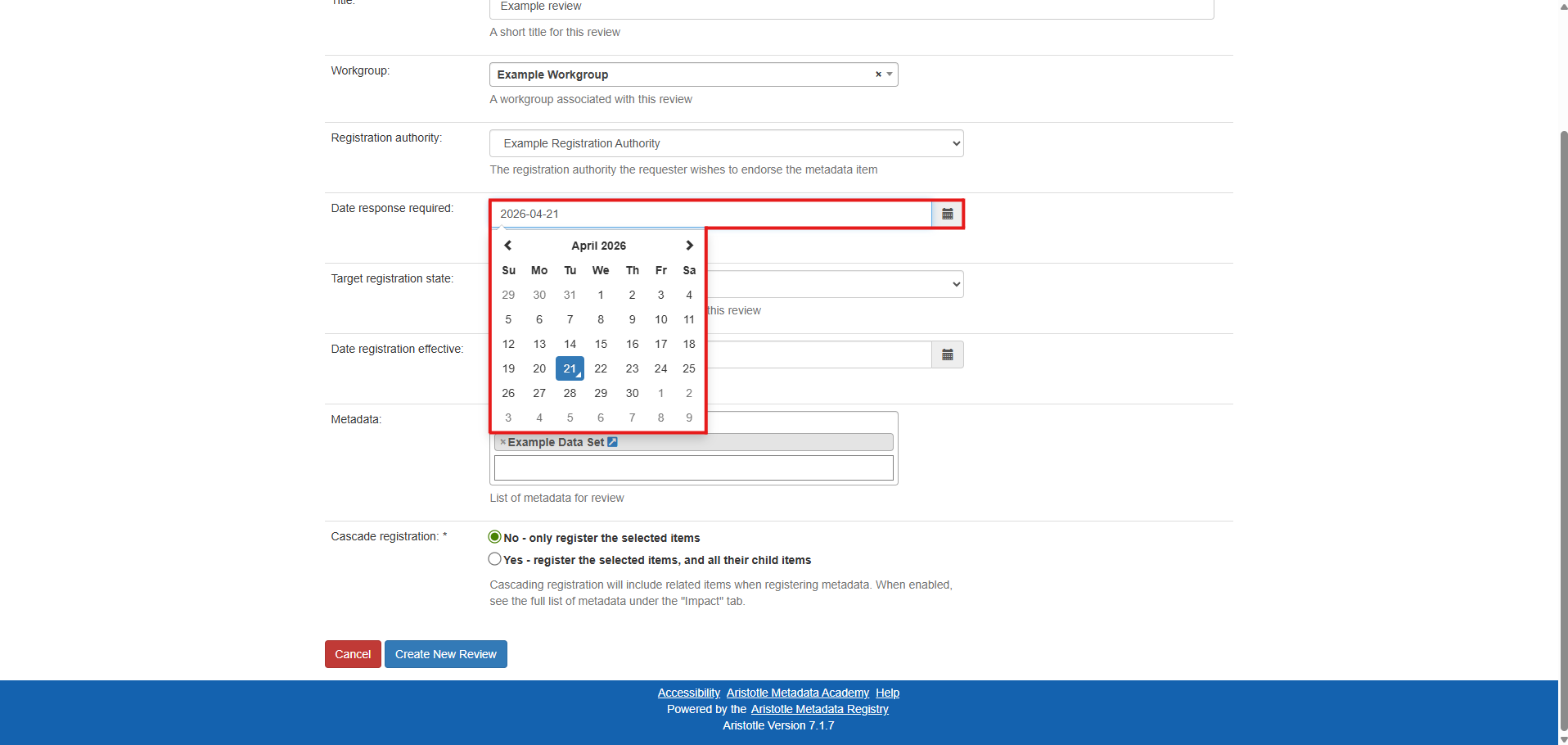
8. Select a date this review should be completed by (if any) via the 'Date response required' field.
9. Select a 'Target registration state' based on whether this data set should fulfill only all mandatory fields ('Candidate'), or should fulfil additional fields as well ('Recorded').
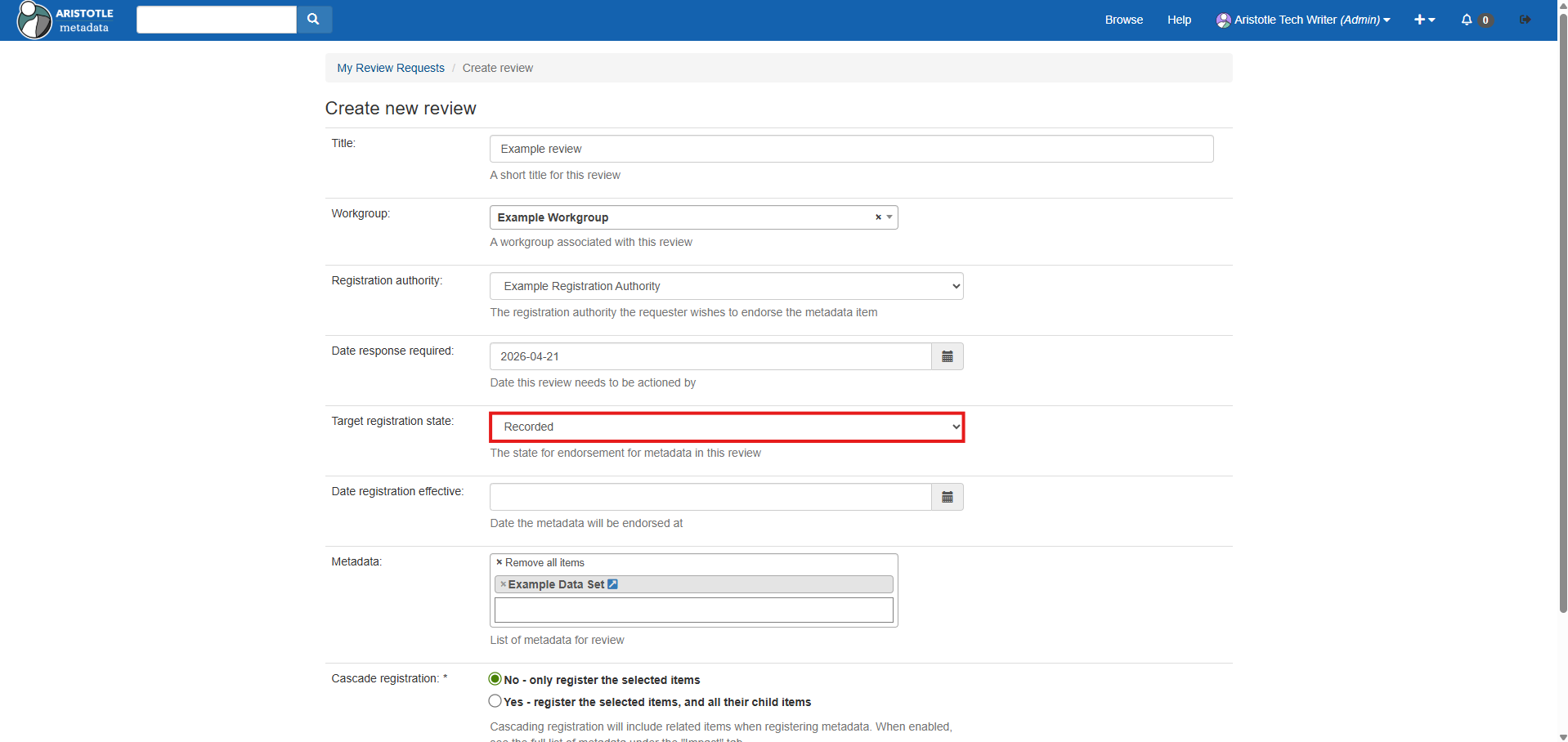
Note: These registration statuses are based on the ONDC's Guide on Metadata Attributes (2024)
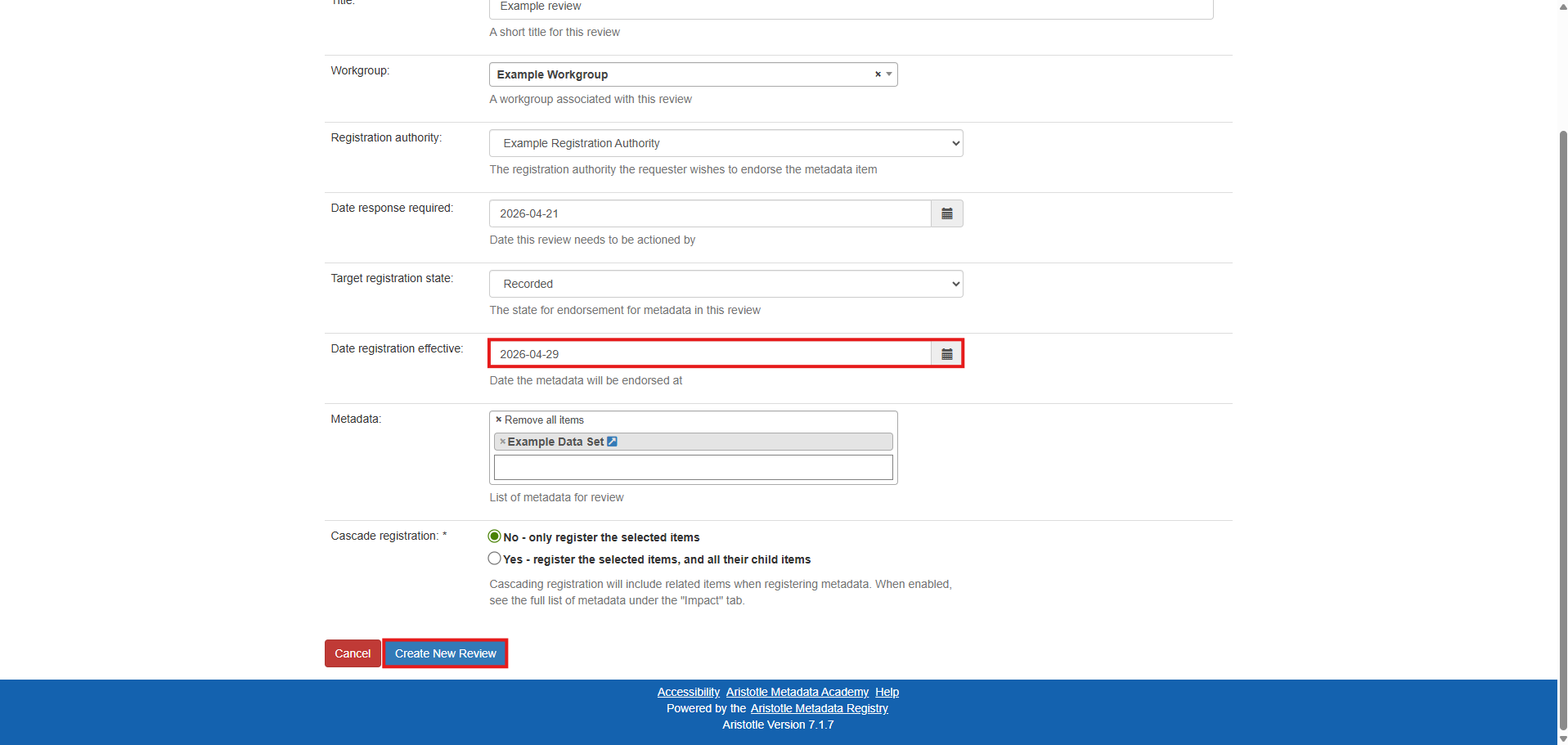
10. Select a date which this registration status should be effective by (if any), then 'Create New Review'.
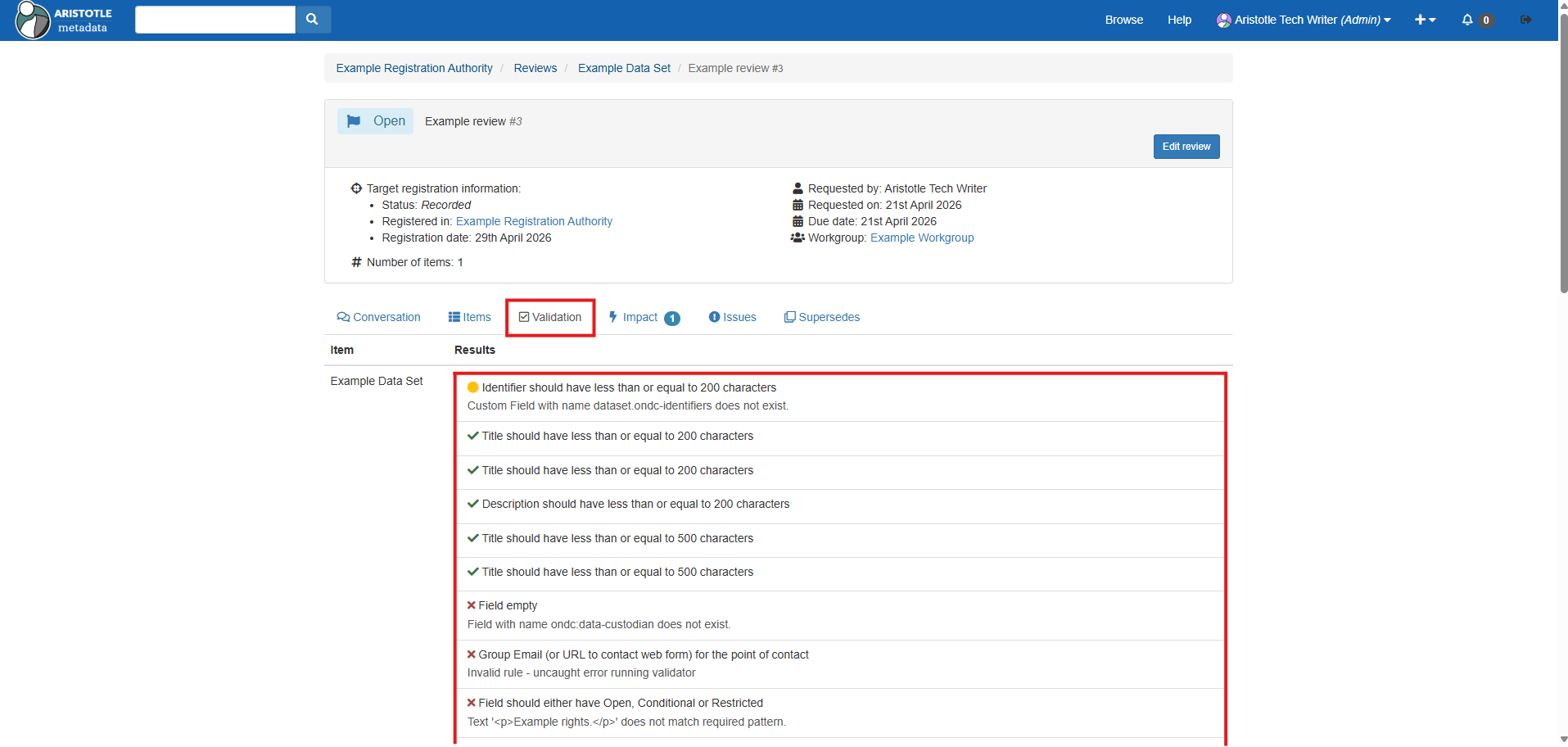
11. Select the 'Validation' tab to see which fields are or are not passing ONDC requirements for the selected registration state.
12. If you are not yet satisfied with the selected data set's quality, return to the 'How to Log In and Edit Metadata' procedure and refine its fields as desired.
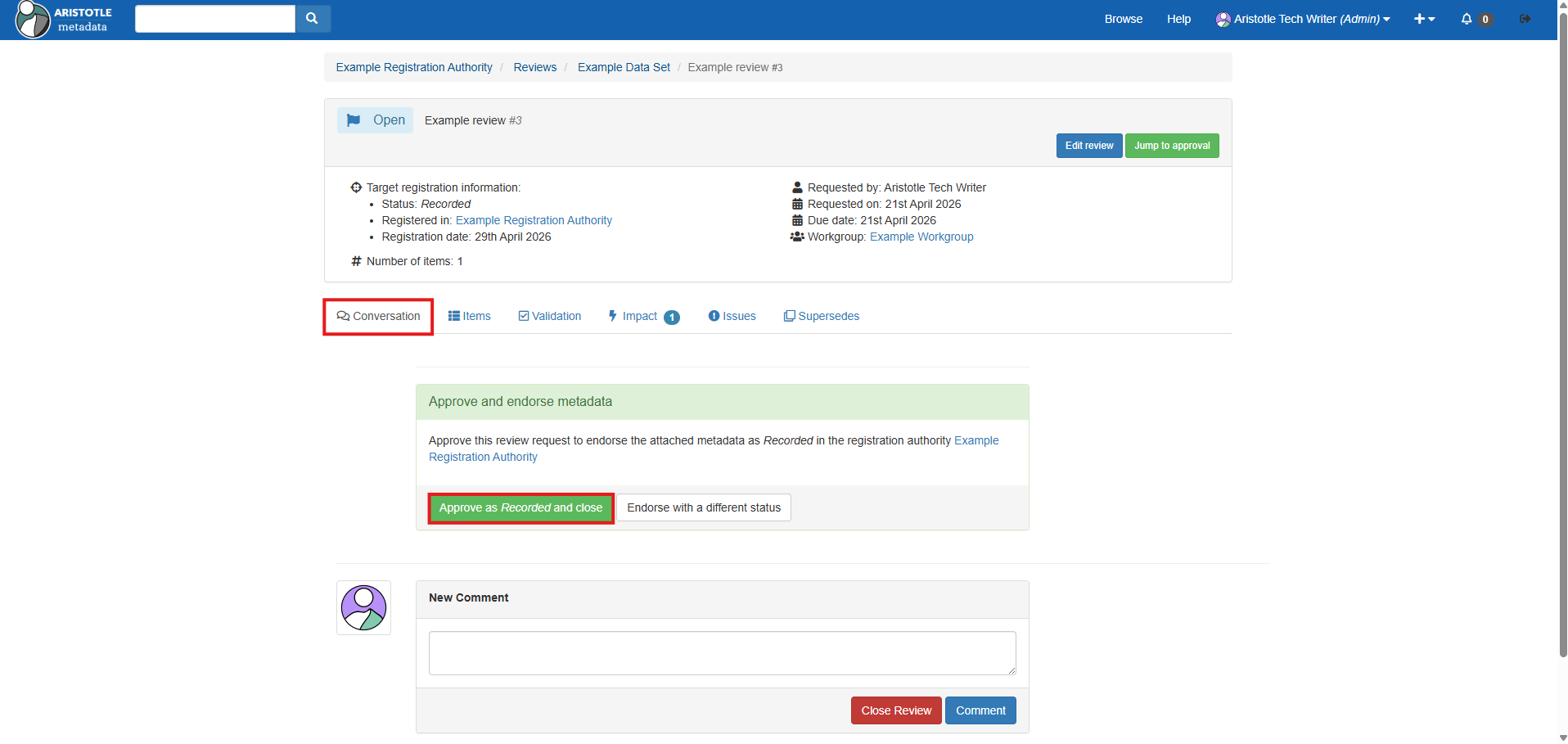
13. Once satisfied with the selected data set's quality, return to the 'Conversation' tab and select 'Approve as status and close'. The data set will be published in accordance to the selected registration status' visibility settings.